

The “Forest Market” Spark
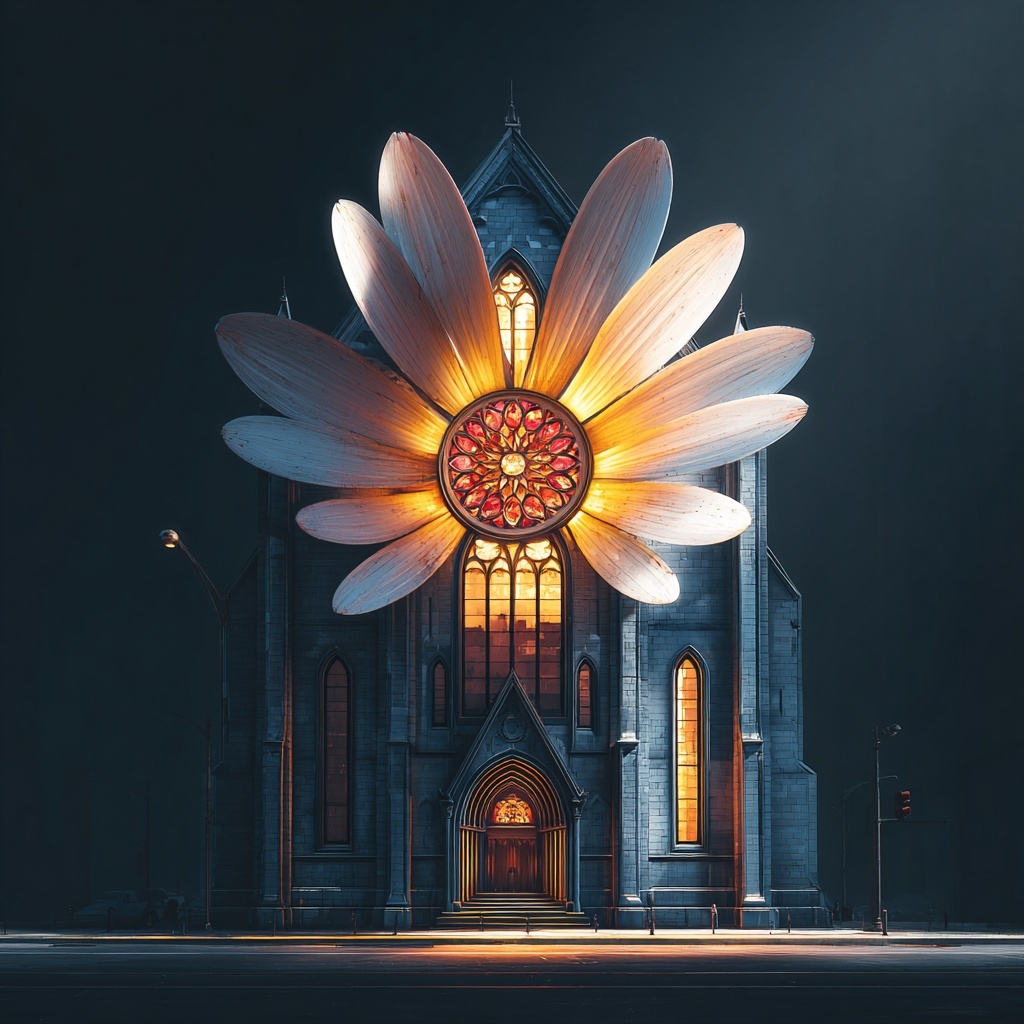
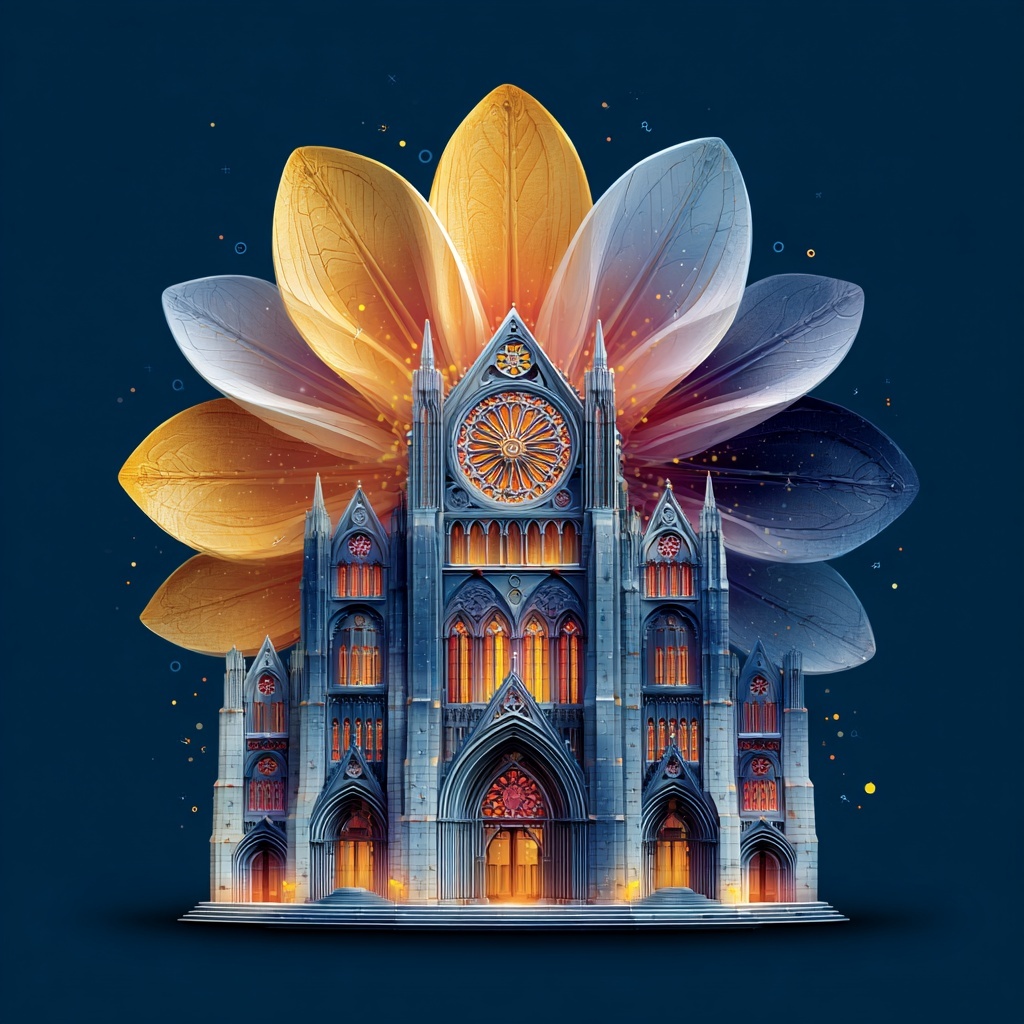
It started at a forest market with my wife. I was looking at the intricate patterns of the plants and a random thought popped up: “What if I could turn this cactus into a futuristic building in Midjourney?”
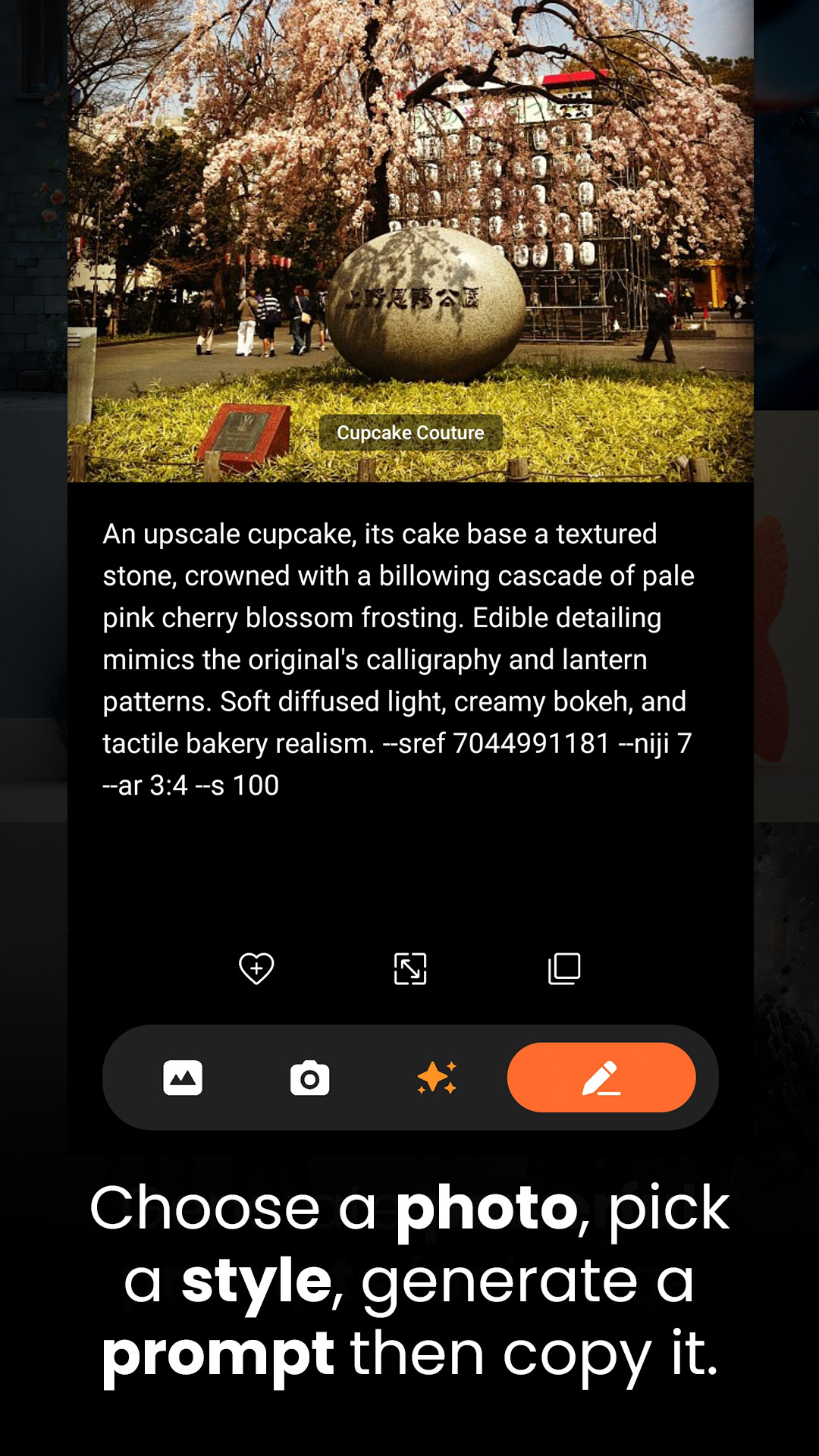
I had the vision, but I hit a wall. My English skills felt too limited to describe the complex “vibe” I wanted. I searched for an app that could translate a photo into something totally different—not just a literal description, but a creative transformation. When I couldn’t find one, I decided to build it myself.




The Frustration: When Words Fail
As a designer, this frustration is constant: having a vivid “vibe” in your head but being unable to translate it into words. Standard image-to-prompt tools are too literal. They see a “green plant”; they don’t see a “biophilic skyscraper.” They miss the soul and the essence. Re-Prompts is my solution, a “Vibe Coding” experiment built to bridge the gap between a photo and a masterpiece.
What is Re-Prompts?
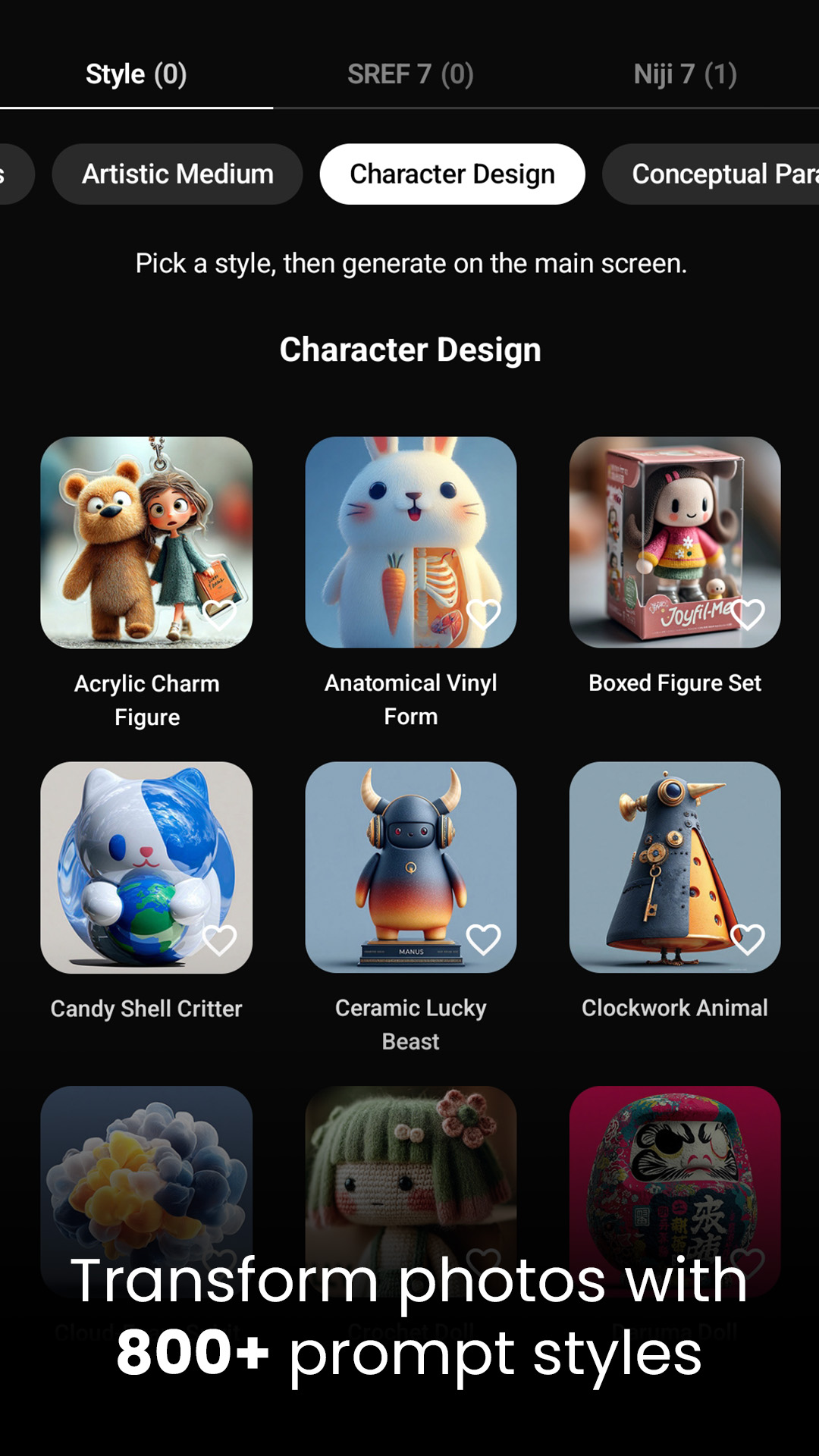
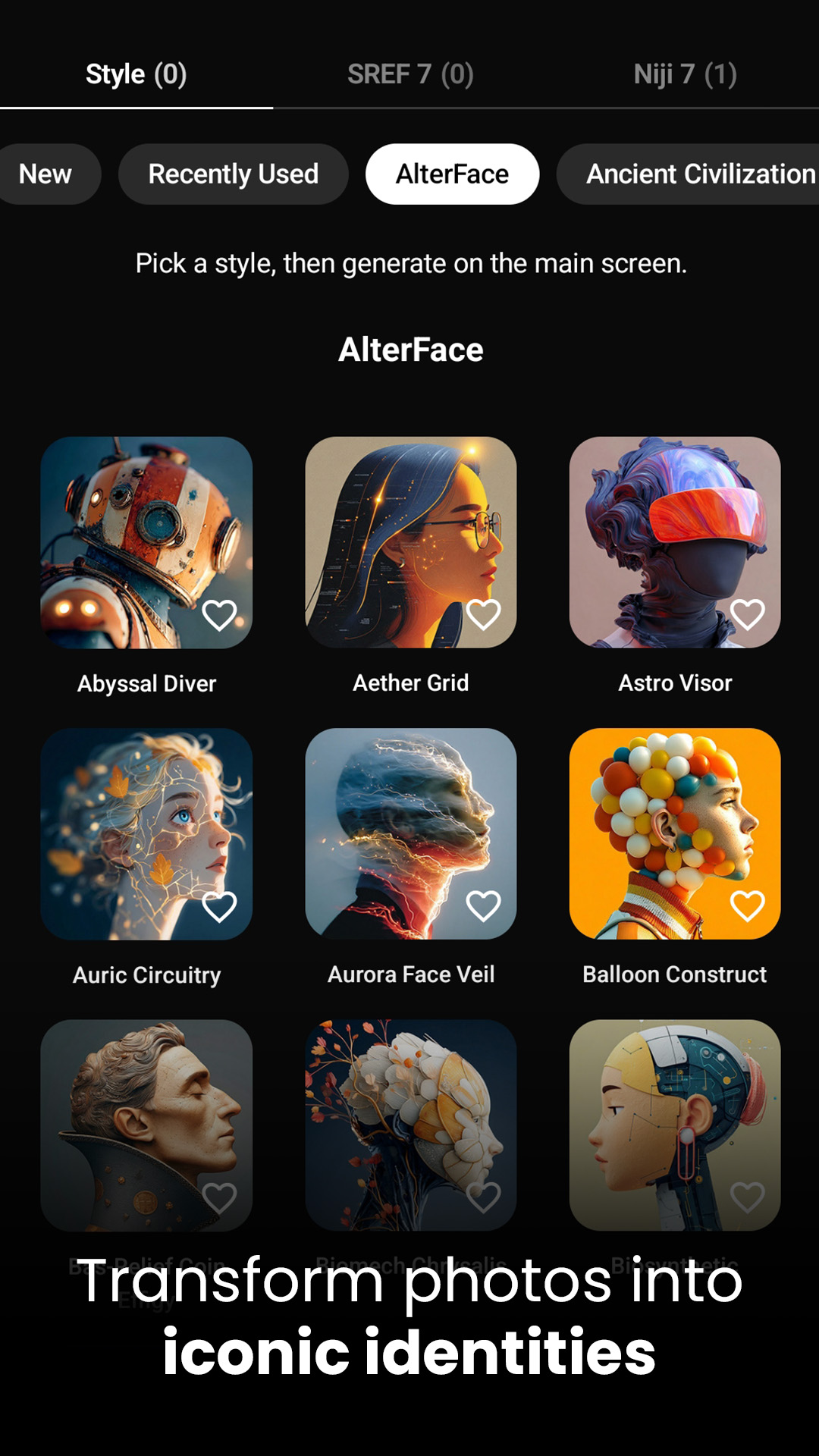
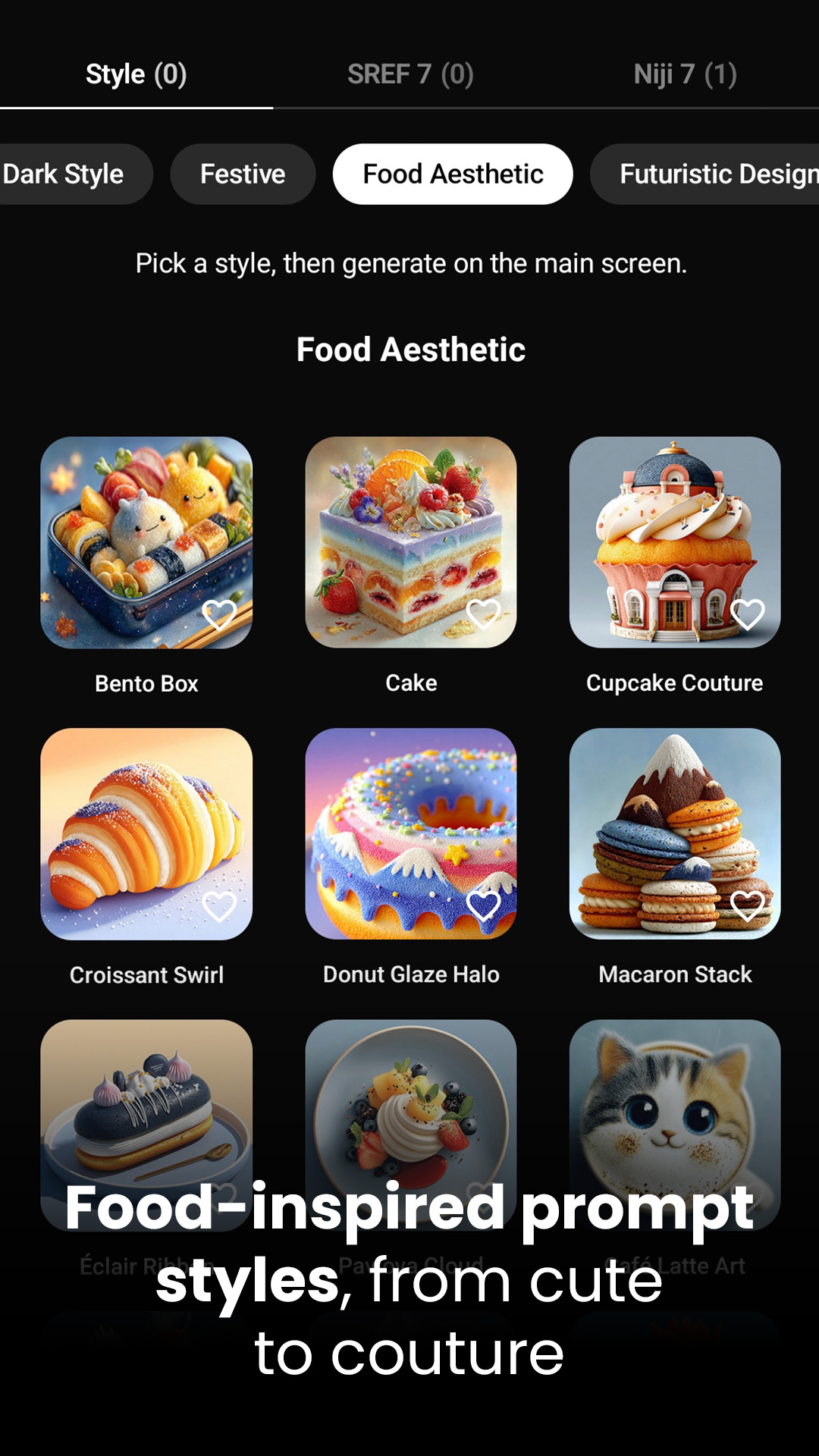
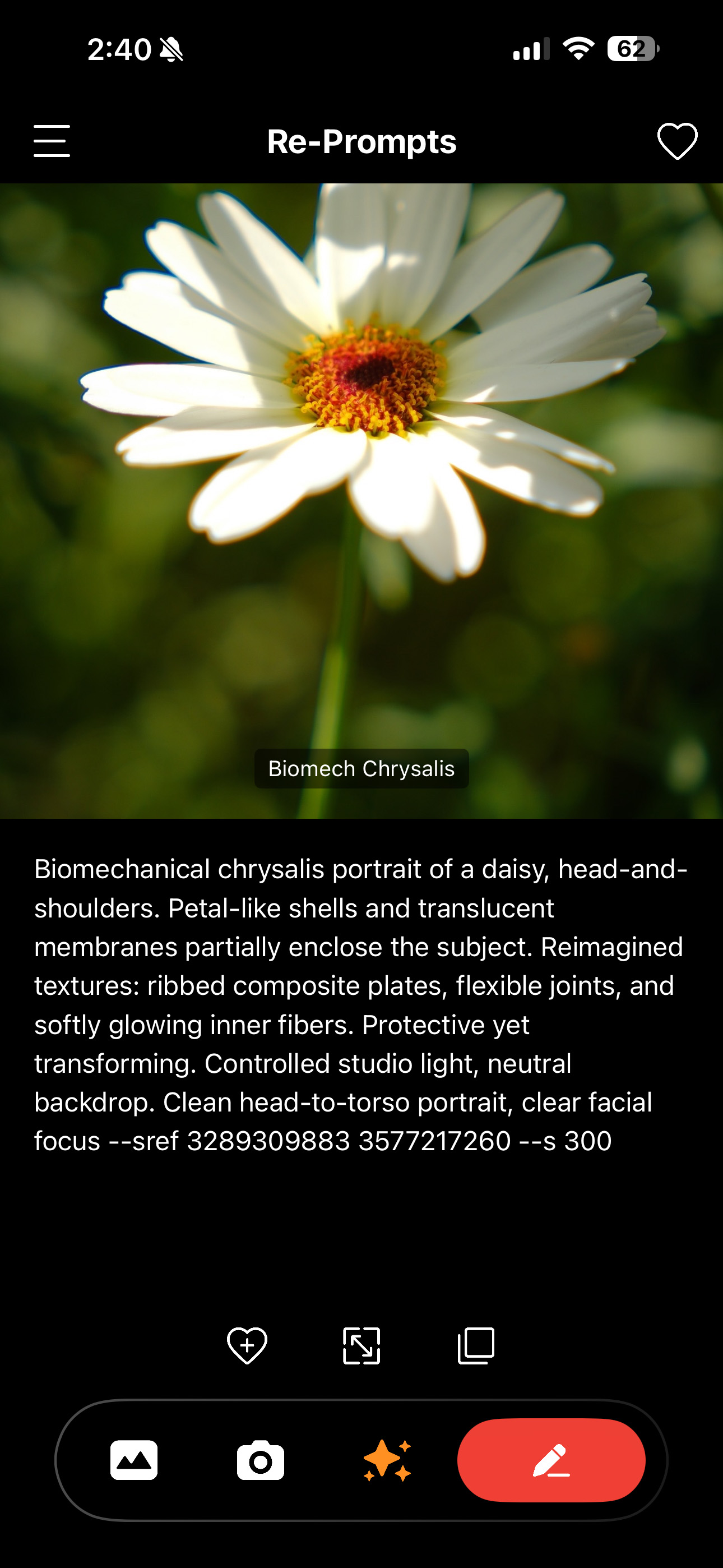
Re-Prompts is an iOS and web app that turns your photos into professional-grade AI prompts. It’s a creative translator with:
- Multi-Language Ease: Perfectly formatted prompts, no matter your English level.
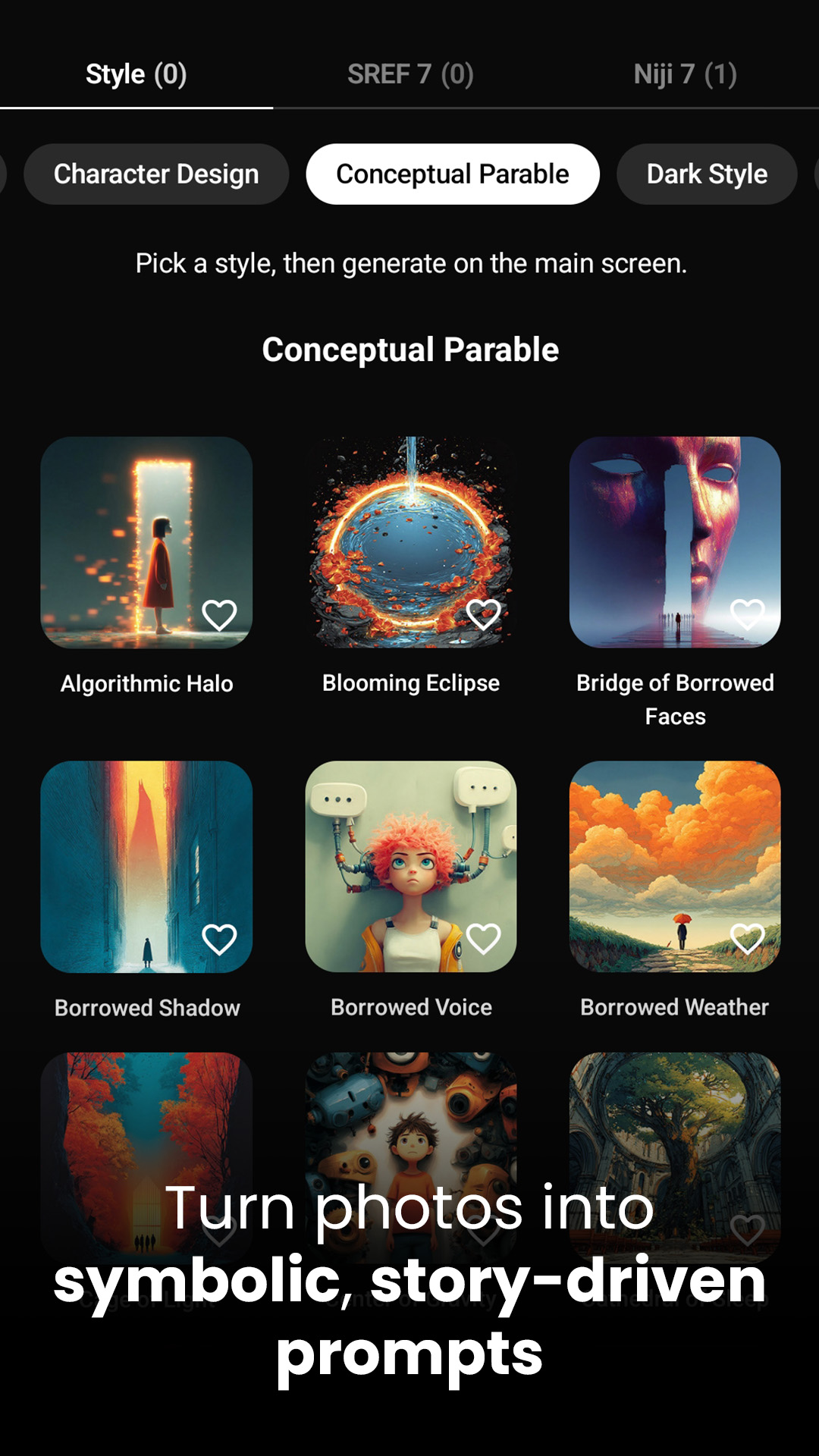
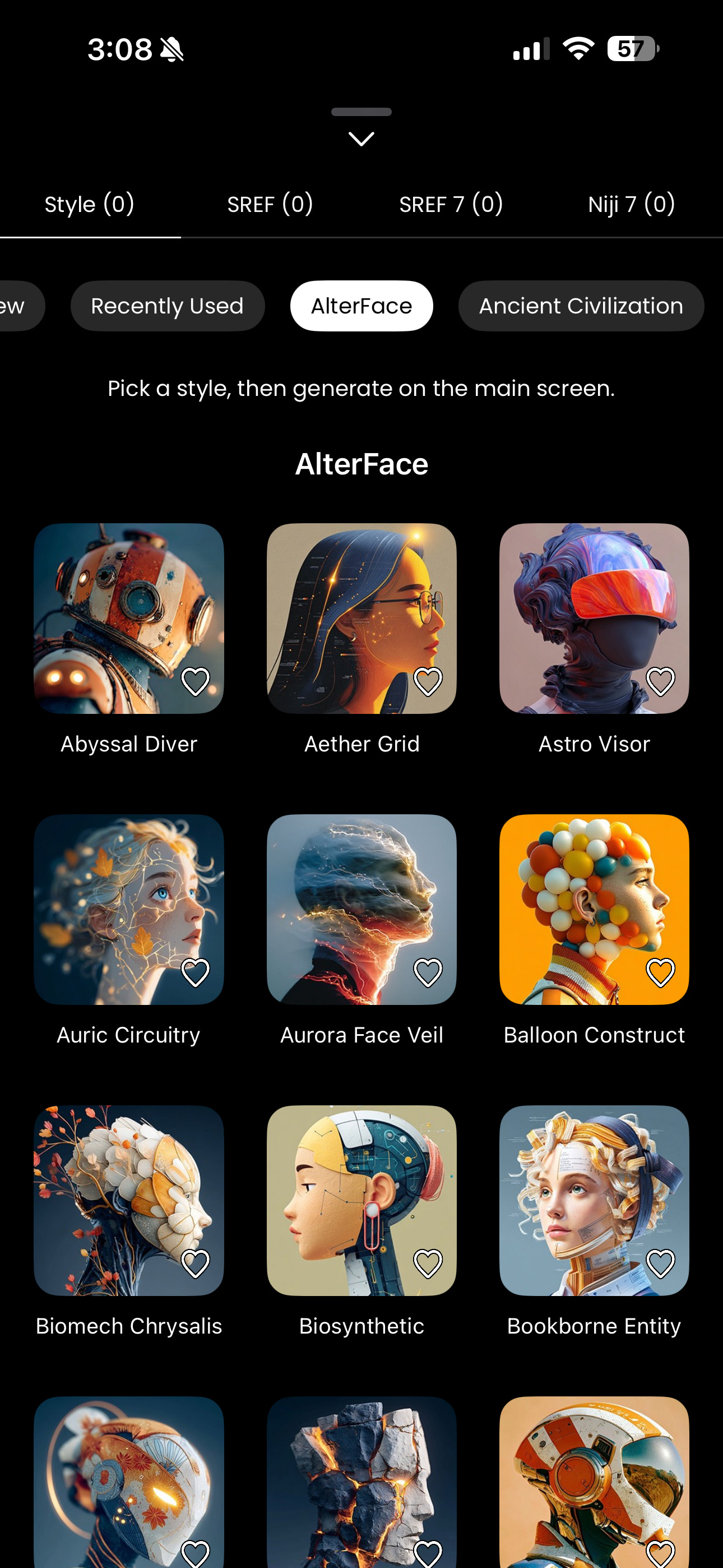
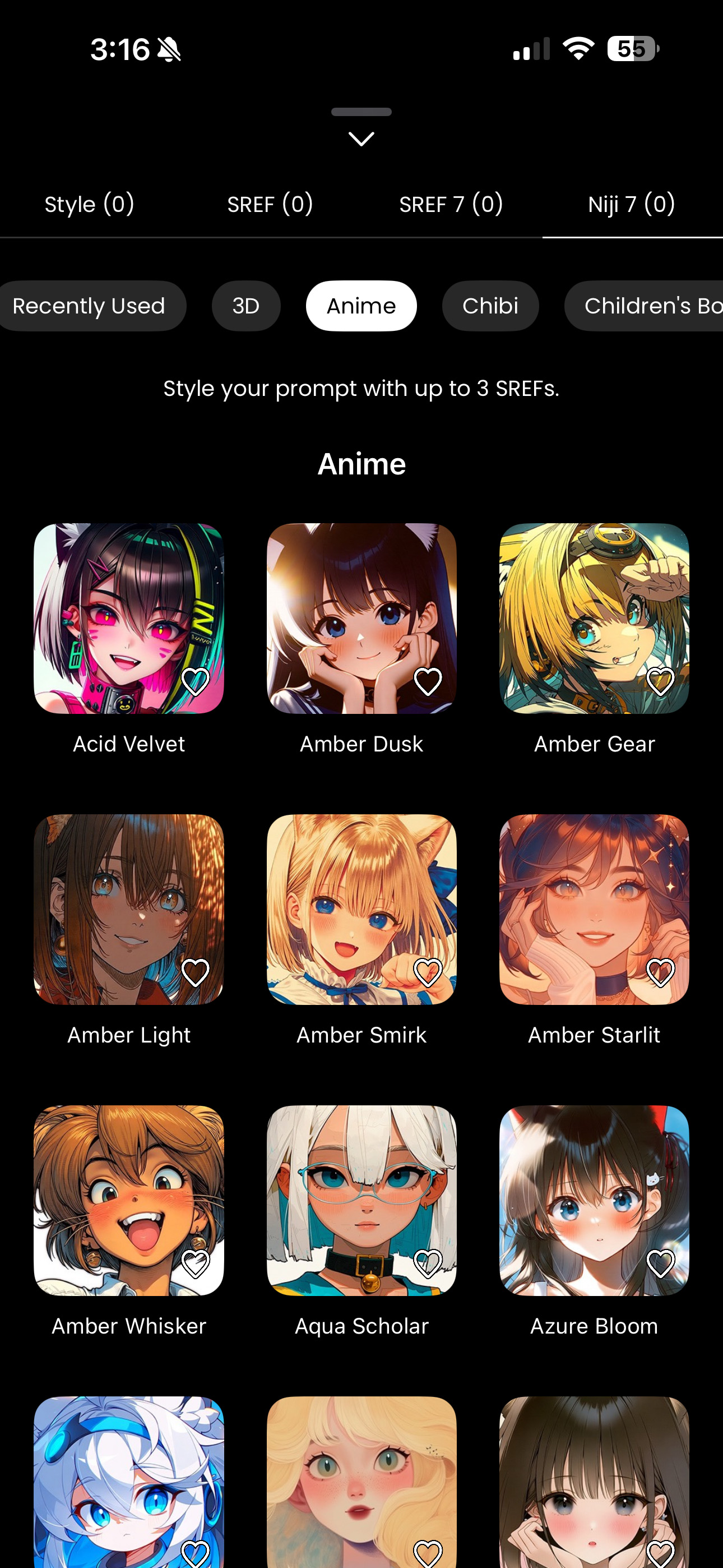
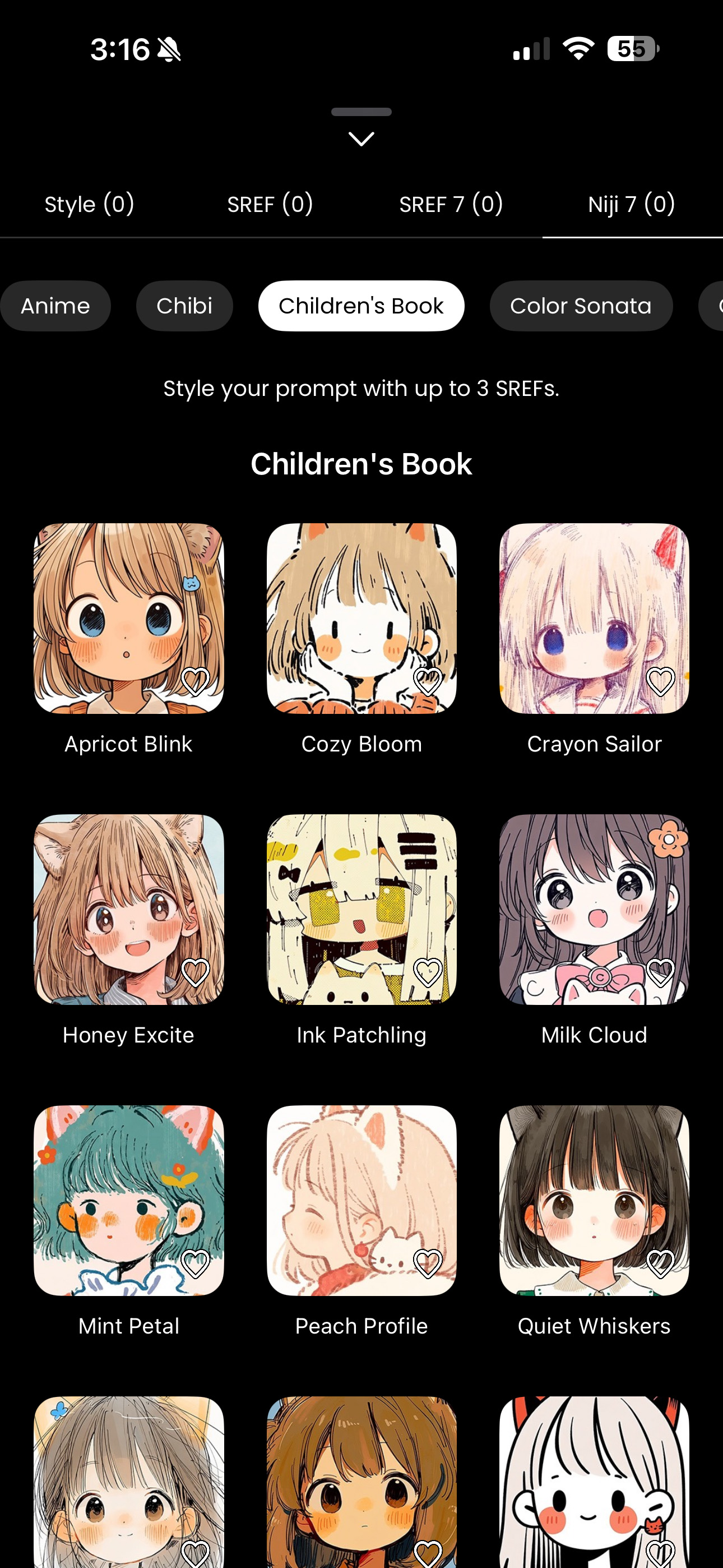
- 700+ Artistic Styles: From “Miniature Worlds” to “Conceptual Parables.”
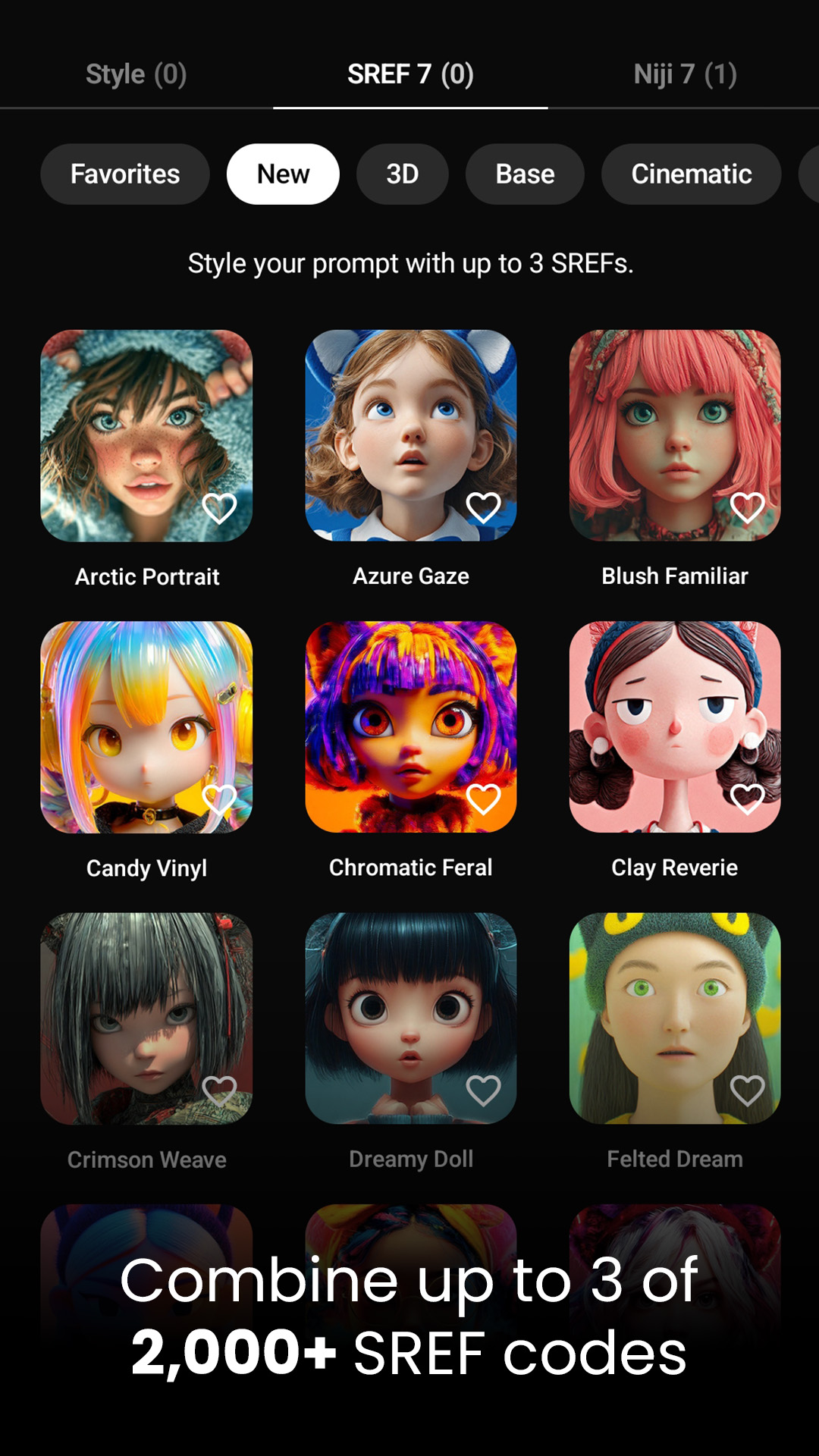
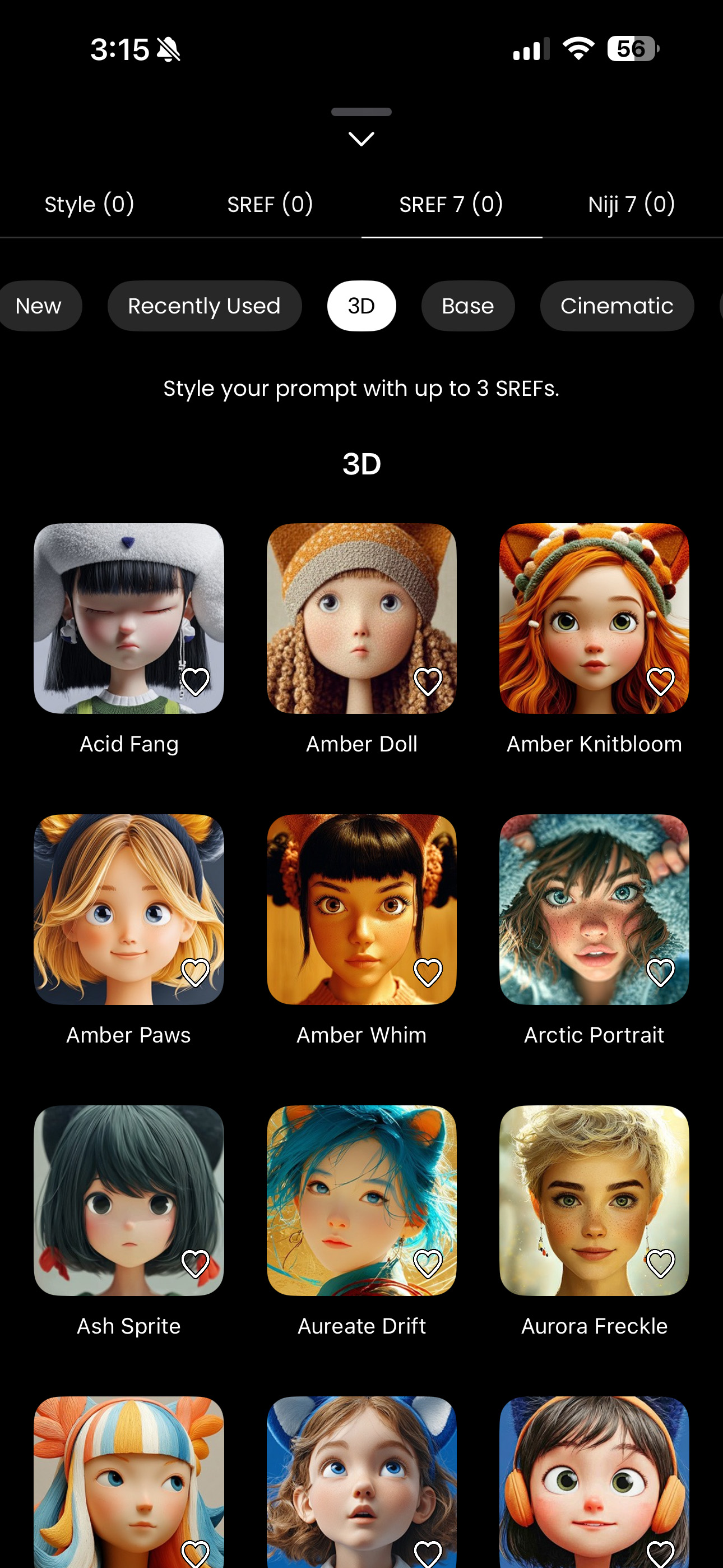
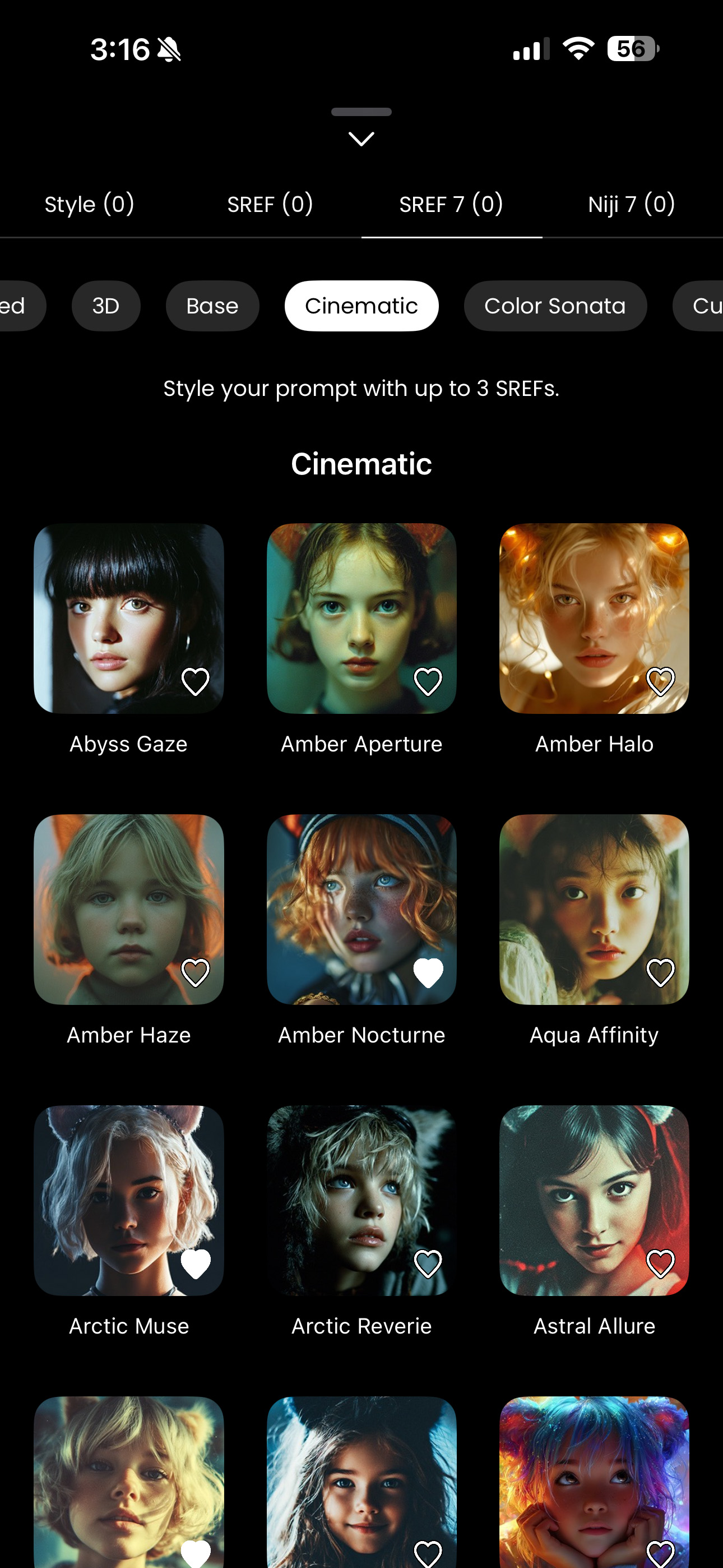
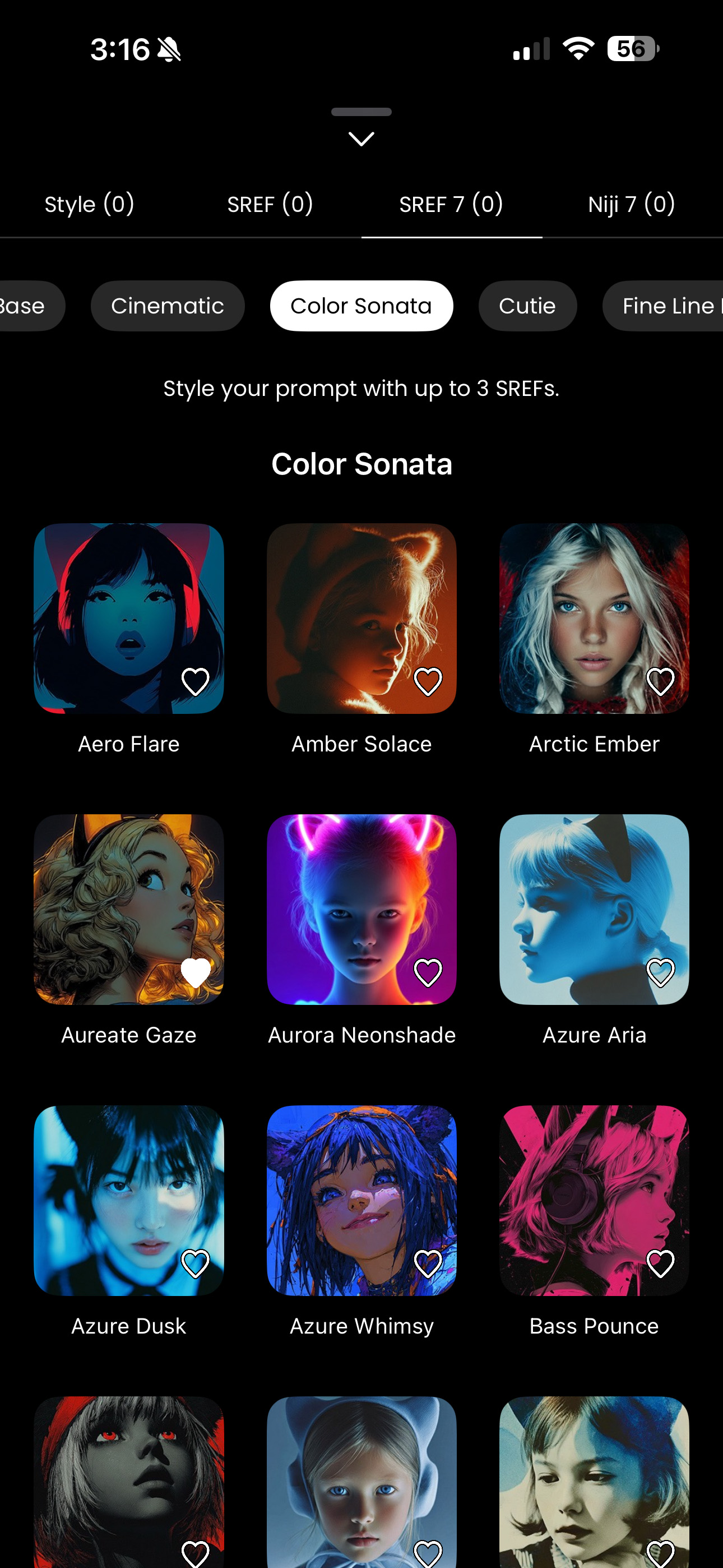
- 2,000+ SREF Codes: Hand-picked Midjourney style references.
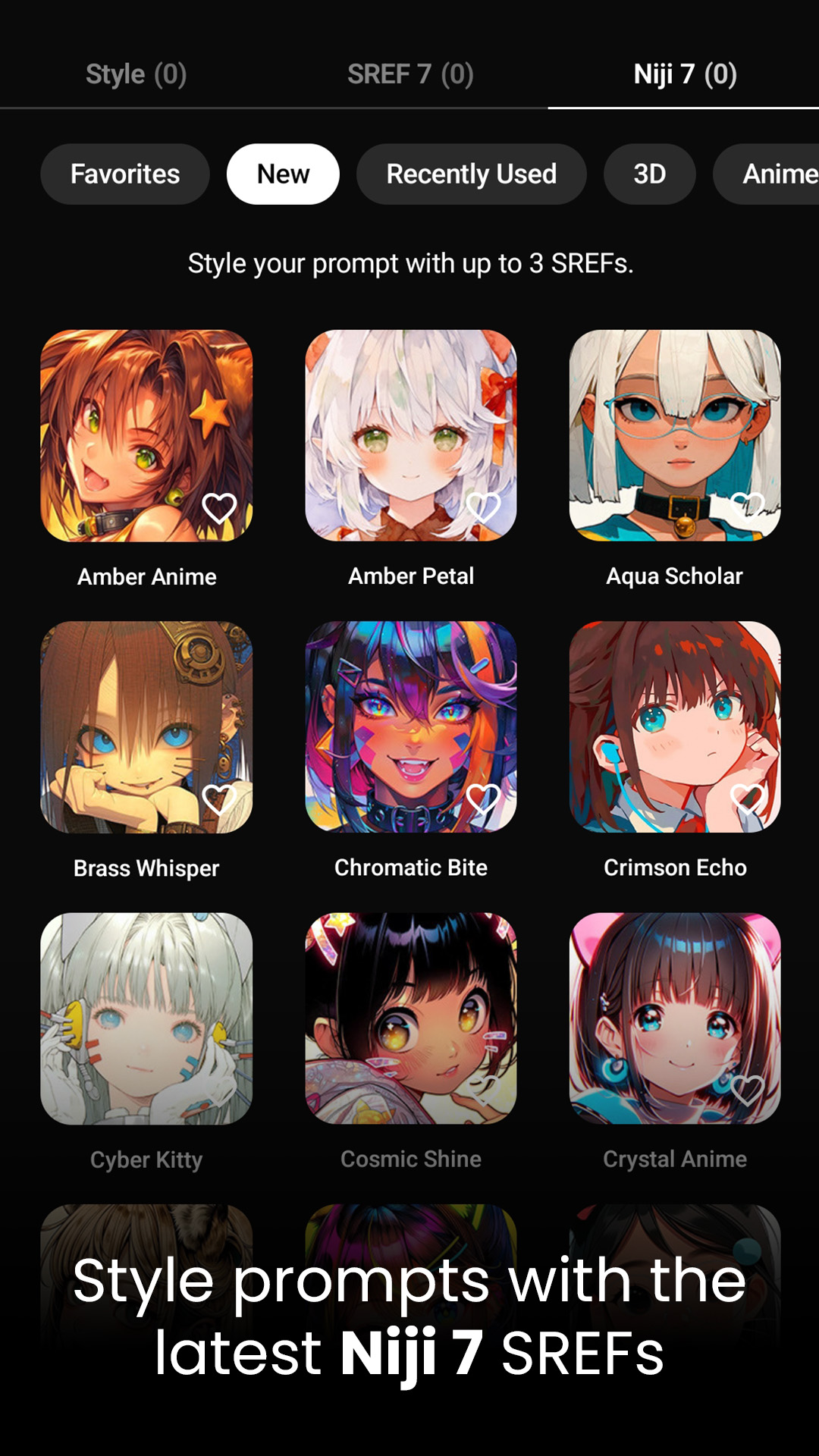
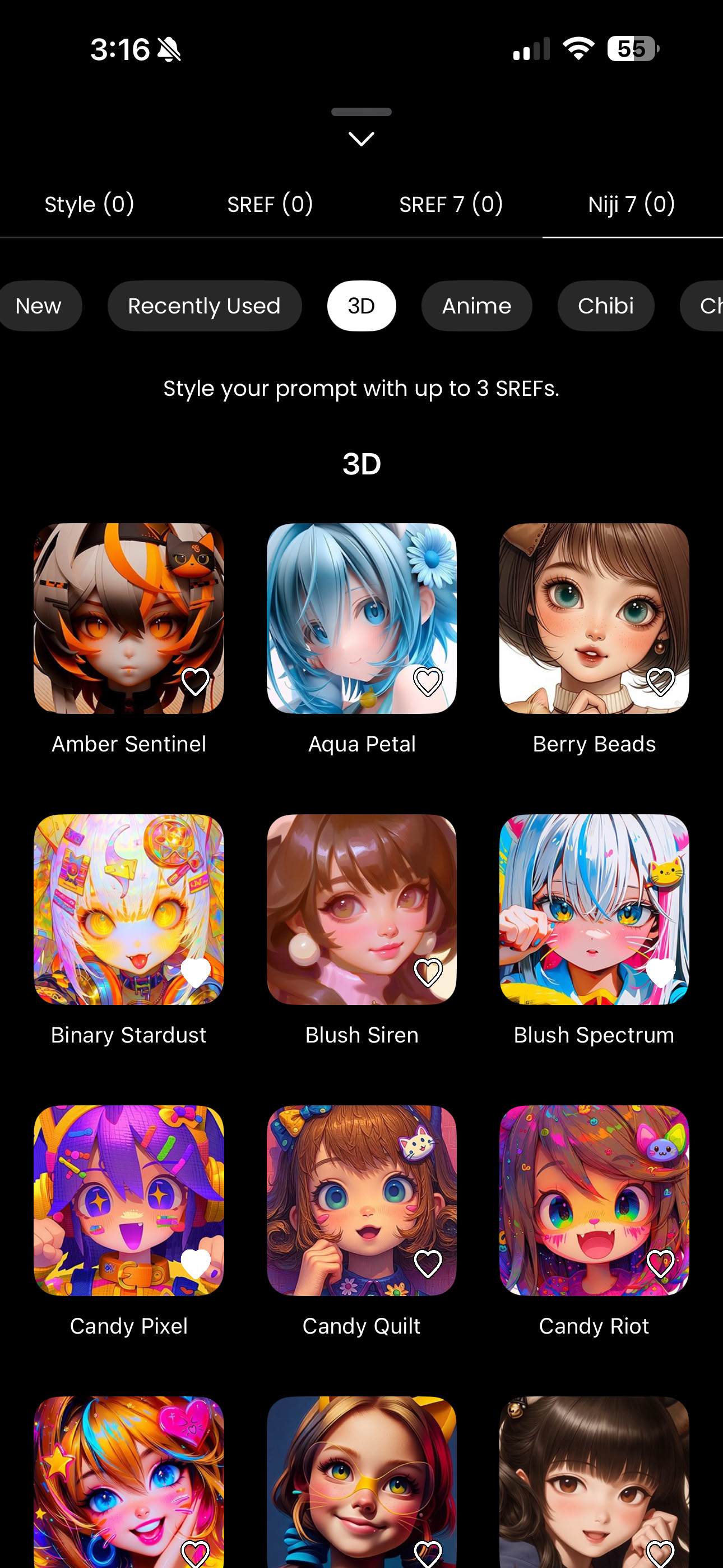
- Niji 7 Support: The latest aesthetic for anime and illustration lovers.
- Speak Your Language: Break down barriers with multi-language support, allowing you to generate prompts in English, Traditional Chinese, Japanese, and more. Because creativity knows no bounds.
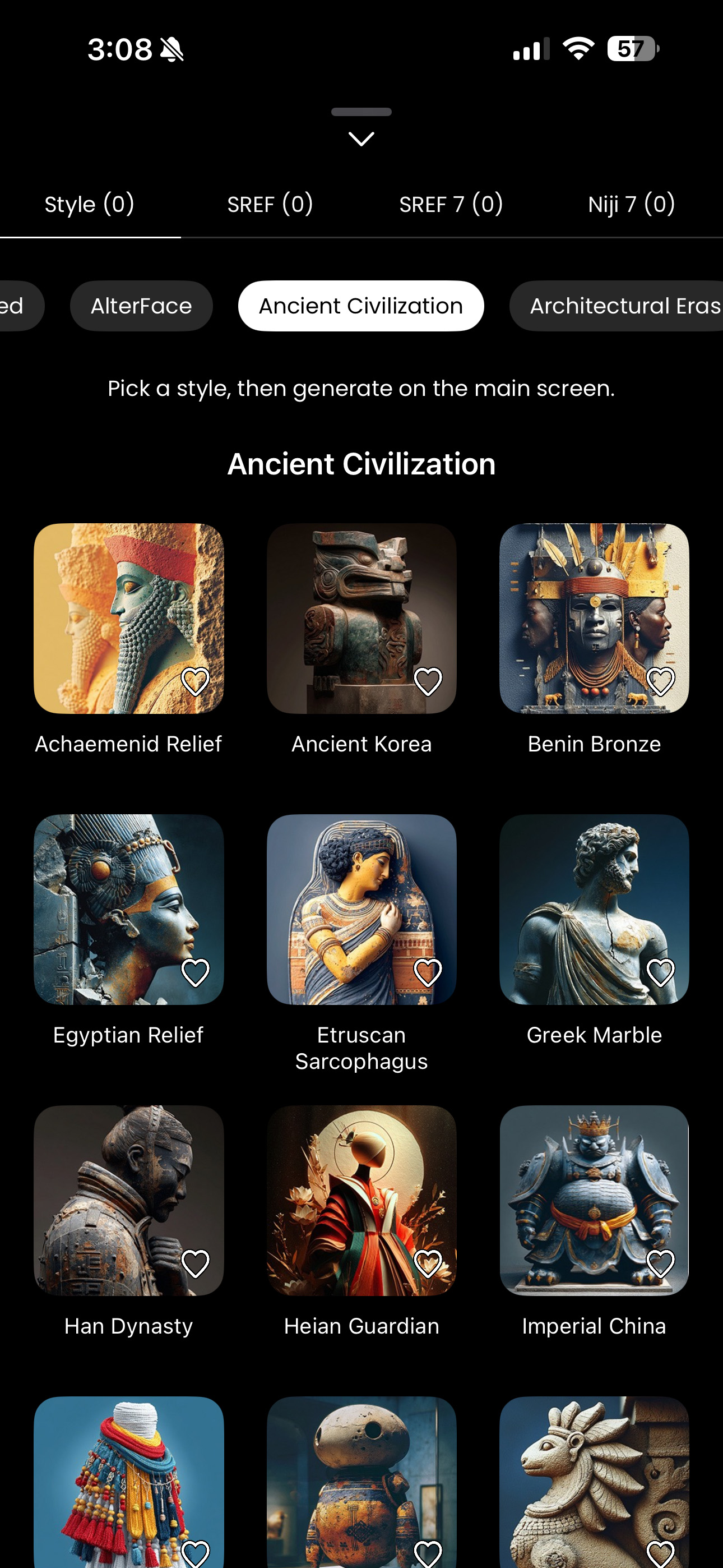
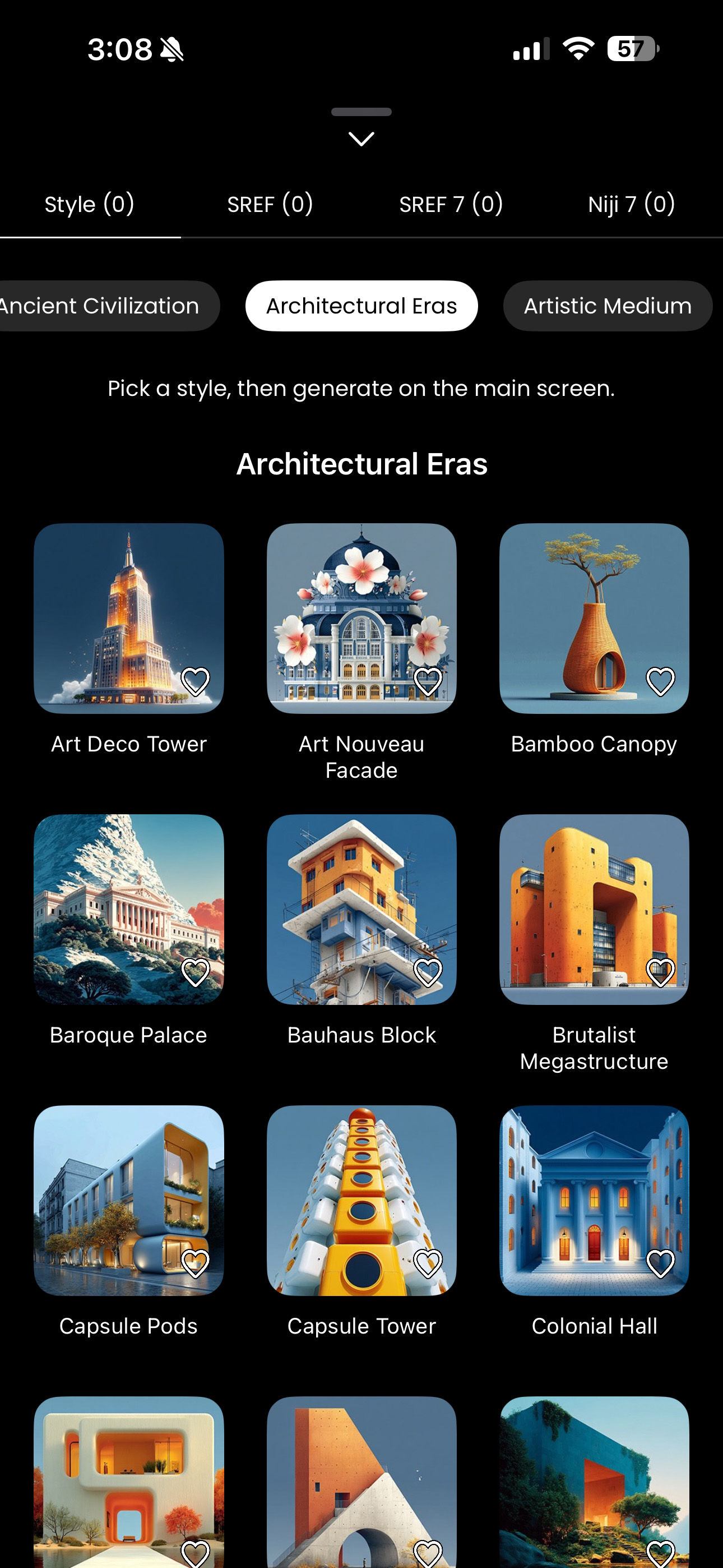
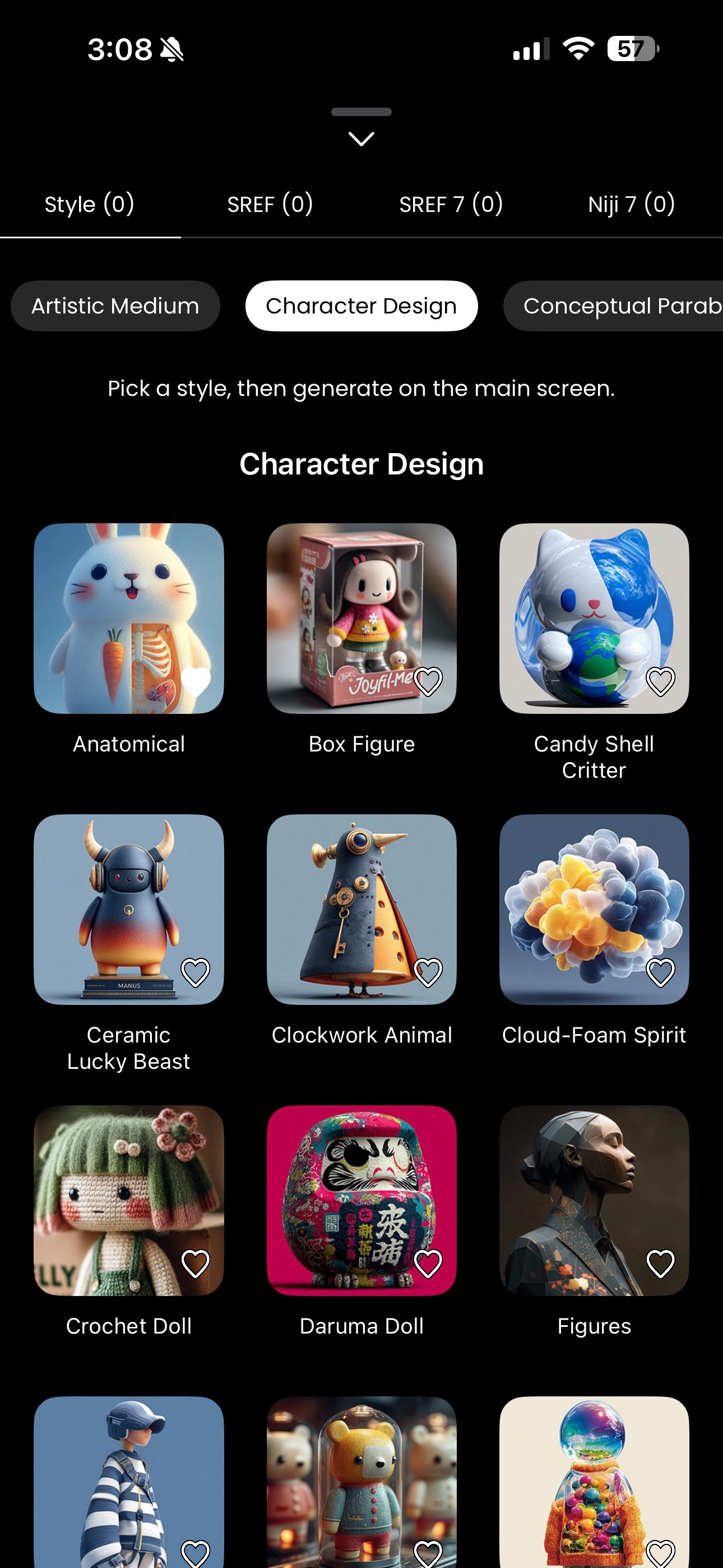
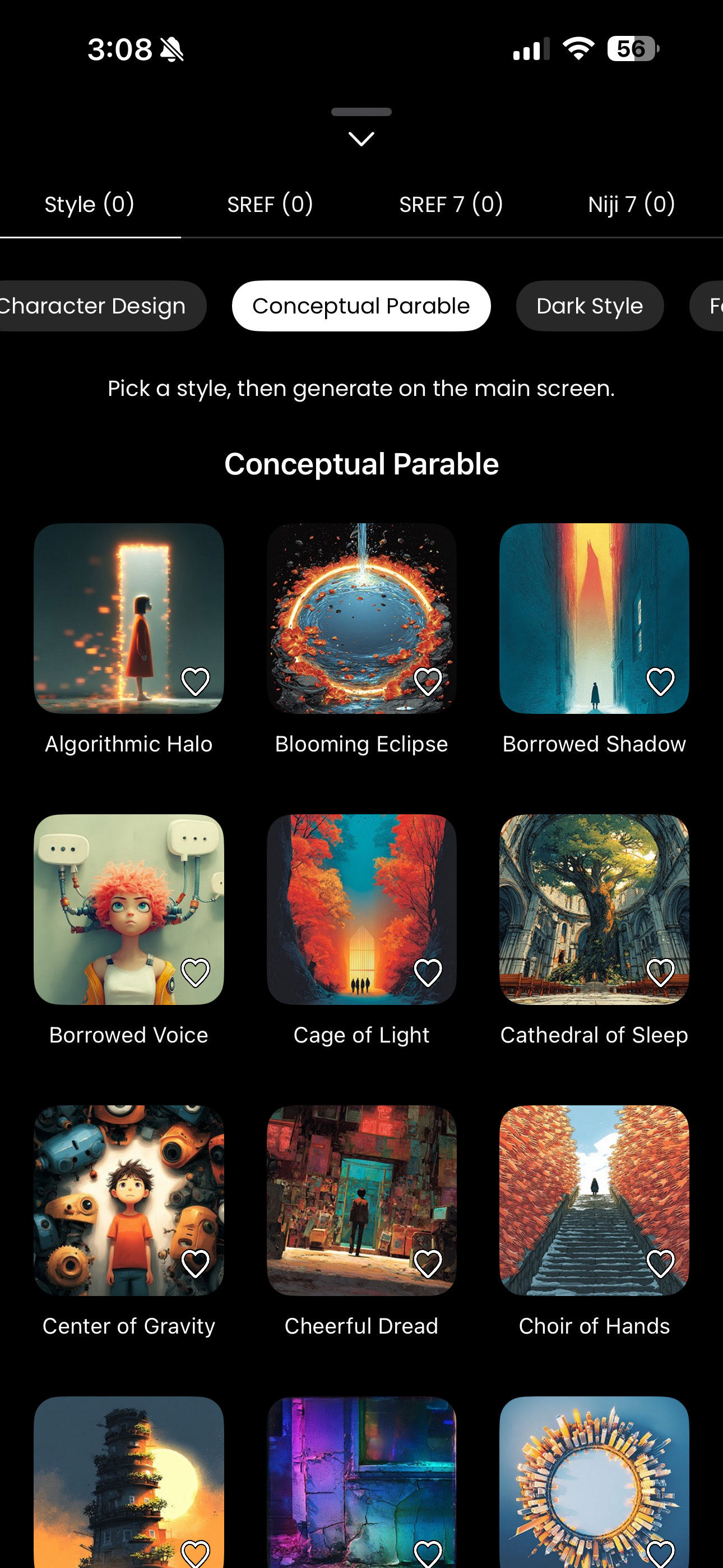
The Unseen Power: Demystifying SREF Codes (Style Reference)
For any serious Midjourney artist, the --sref (Style Reference) parameter is a game-changer. It allows you to inject the “DNA” of a specific aesthetic into your generated images. But here’s the rub: finding that perfect code usually involves endless hours of trial, error, and frustration. It’s a journey into the unknown.
Re-Prompts takes the guesswork out of the equation with its Curated SREF Library. I’ve personally spent countless hours testing, categorizing, and refining thousands of codes, ensuring that when you apply a “Moody Film Still” or a “Flat Illustration” vibe, you get exactly that. It puts the power of precise aesthetic control directly into your hands, instantly.
🛠 Behind the Build: My Vibe Coding Journey
I didn’t build Re-Prompts the traditional way. As a designer with a burning vision but often limited time (and a healthy dose of impatience!), I fully embraced the Vibe Coding movement. This meant leveraging a personal squad of AI agents to handle the tedious, repetitive coding tasks, freeing me up to focus on the “soul,” the user experience, and the meticulous artistic curation of the app. It was less about writing every line and more about conducting an orchestra of AI tools.
At the beginning, I was building with Grok, copying code into Xcode, hitting errors, going back to fix them, and repeating the loop. It worked, but only for a while. As the app grew, that workflow collapsed under its own weight. I moved to Cursor on a monthly subscription because I needed deeper context and real project awareness. At that stage, one bug could quietly consume an entire day. Not dramatic failure, just constant friction. So I shifted again, this time to Visual Studio Code with the Augment agent for more stability and control.
When ChatGPT Codex was introduced, I migrated once more. The moves were never about hype. They were about reducing the gap between imagination and execution. That is what vibe coding actually means. It’s not aesthetic. It’s not trendy. It’s the discipline of pushing through uncertainty until ideas become working software.
The Real Challenge Wasn’t Code
The hardest part wasn’t Xcode. It was turning an idea into a production product. Designing the app structure, refining prompt logic, organizing style categories, expanding the SREF library week by week, and adapting as MidJourney moved from v6 to v7, that was the real work. Building features is exciting. Maintaining coherence as the system grows is not. It demands discipline.
Then came App Store Connect, subscriptions, in-app purchases, pricing tiers, sandbox testing, and compliance rules. Configuring recurring billing inside Apple’s ecosystem is not creative work. It’s procedural, detailed, and unforgiving. It took months to understand the logic and edge cases fully. No one celebrates subscription setup. But without it, there is no product.
The App Grew as MidJourney Grew
As MidJourney evolved from v6, v7 to v8, Re-Prompts evolved with it. The SREF library expanded week by week, categories became sharper, naming more disciplined, and outputs more intentional. This wasn’t feature inflation; it was design maturity. The app today reflects hundreds of micro-decisions:
- How prompts are structured for clarity and control
- How styles are categorized for real usability
- How power users actually think and iterate
- How friction is systematically removed from the creative process
Why This Matters on a Vibe Coding Page
Re-Prompts exists because I stopped waiting to “become technical enough” and started using AI as execution infrastructure. I remain accountable for the parts that matter — vision, UX, product direction, and quality standards — while AI handles the heavy implementation. That is vibe coding in reality: not replacing skill, but amplifying intention. This app proves that imagination can become a shipped product even if you don’t start as an engineer, and I’m still enjoying building it.
Ready to Re-Imagine Your Photos?
Your creative journey begins now. Re-Prompts is available for download on the App Store with a generous 3-day free trial. Experience the future of AI prompting for yourself!